ARCADE LAB
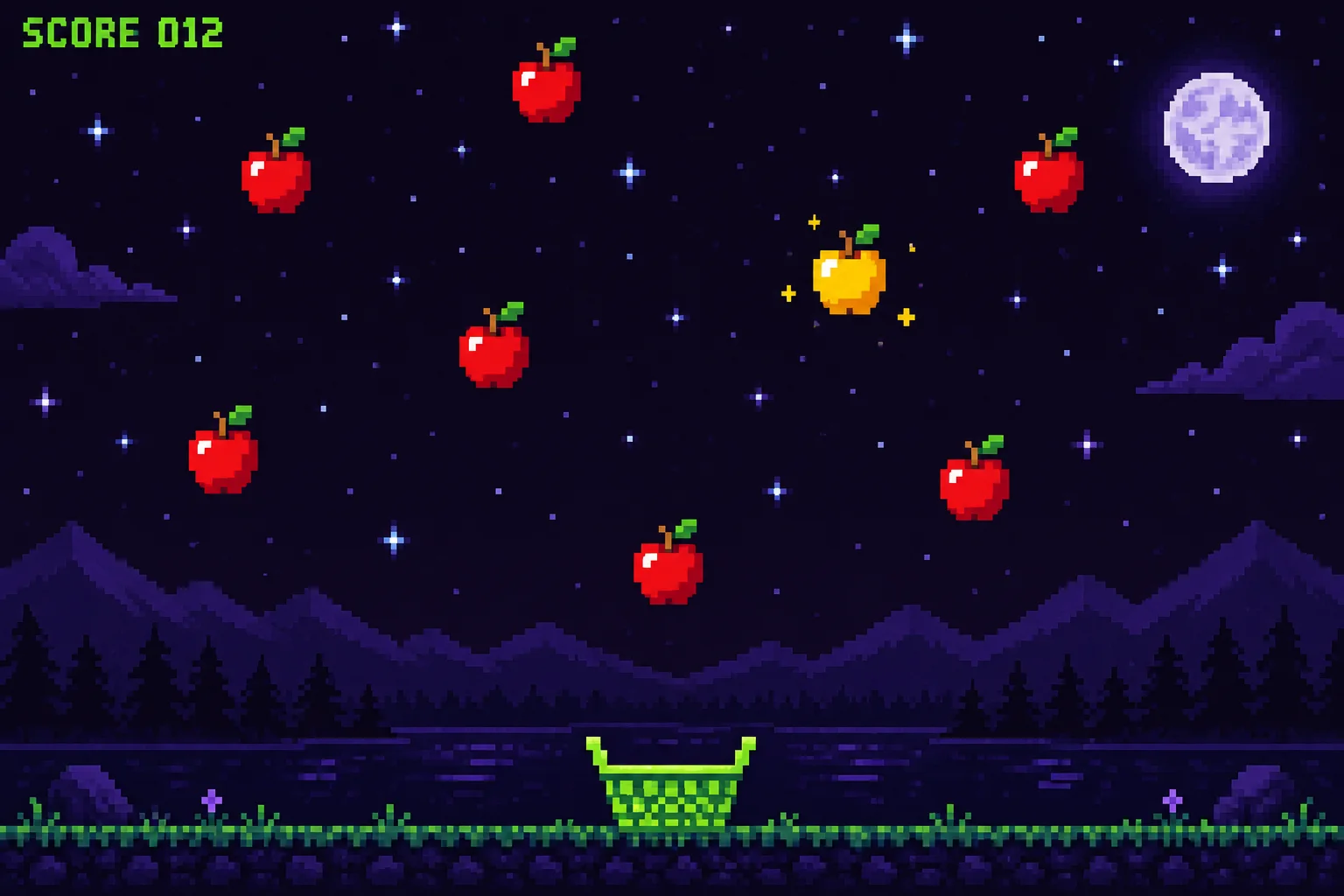
Catch
Dodge
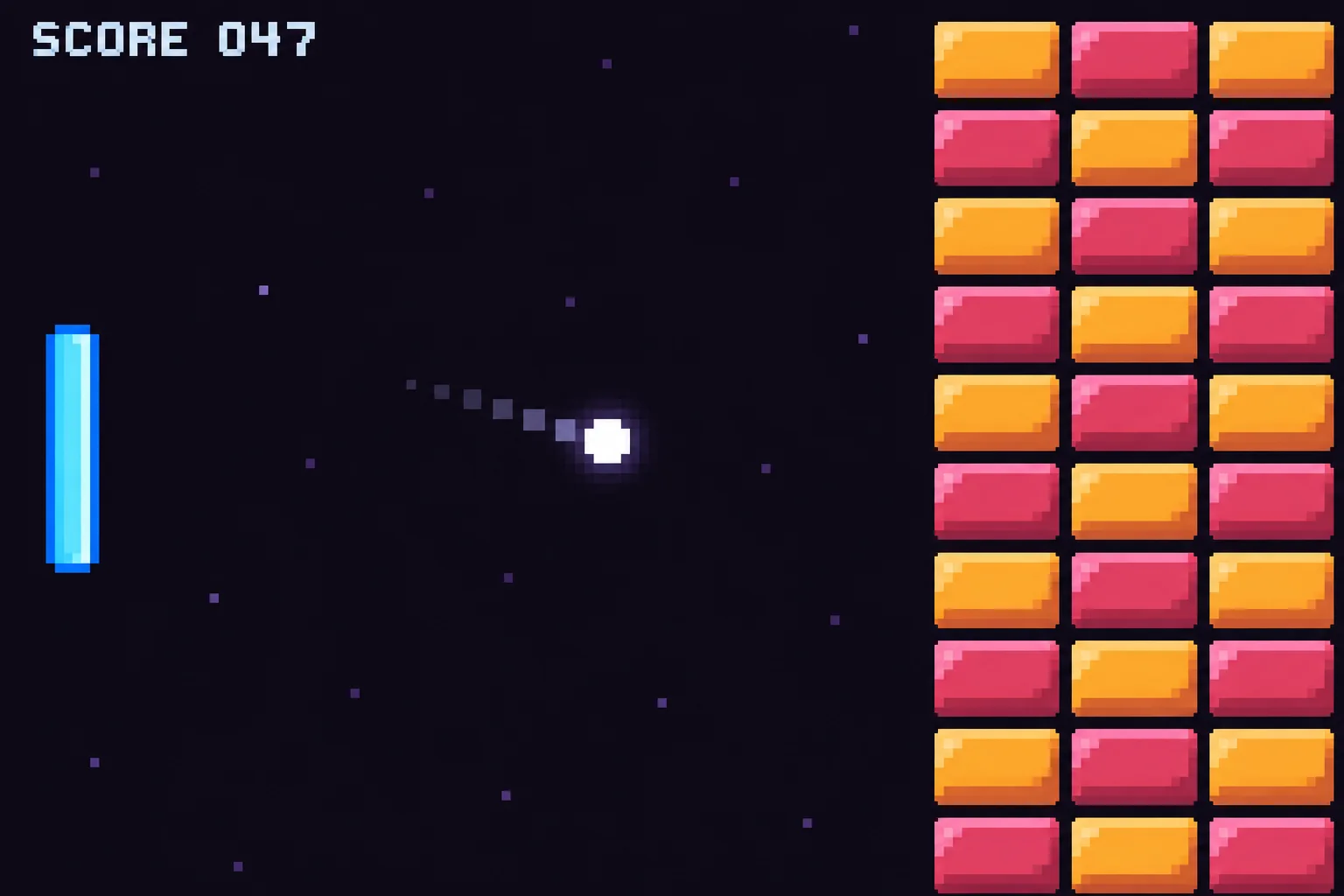
Pong
Clicker
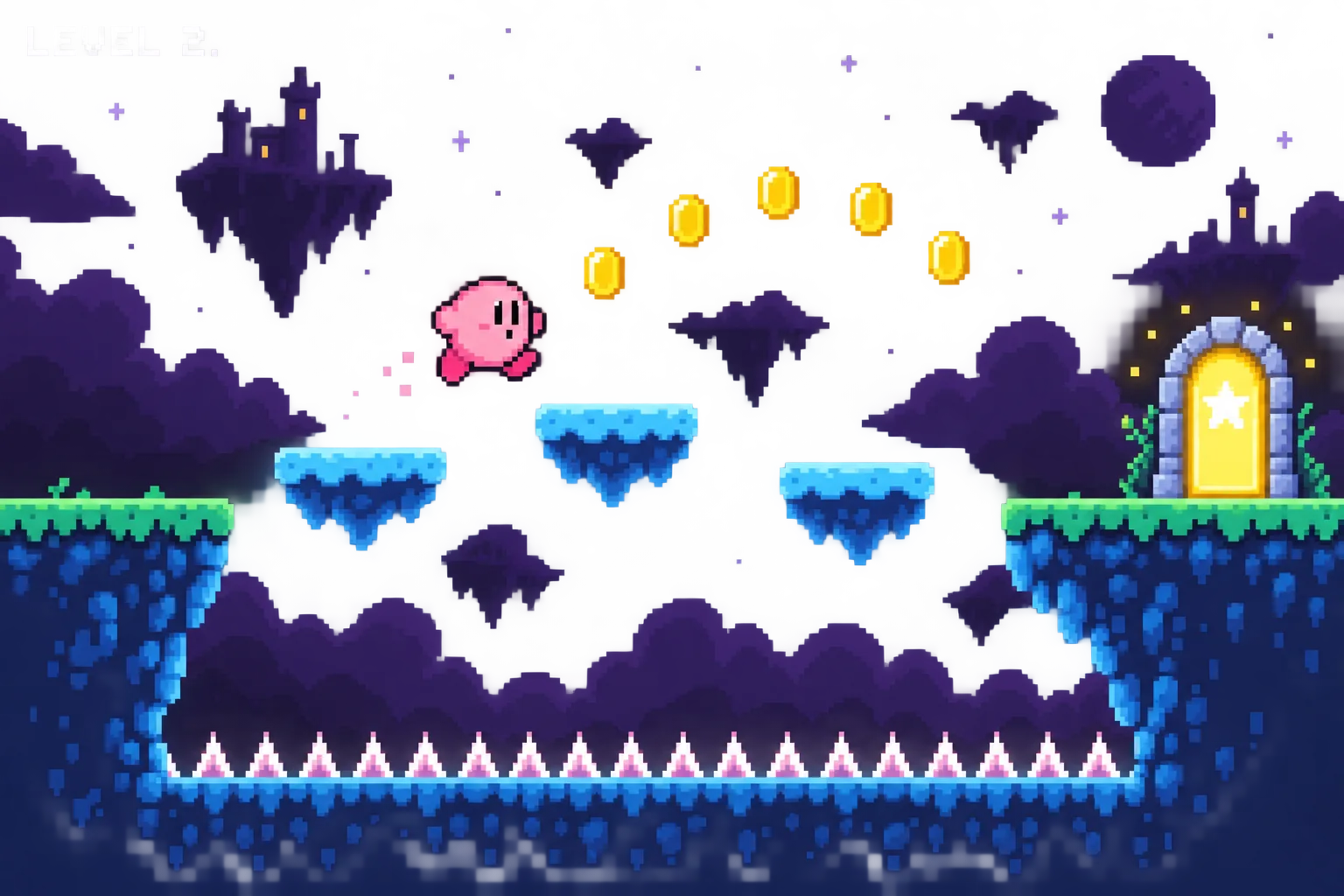
Jump
Ship
Arcade Labgames today. brighter tomorrow.
Your kid says it. Coach builds it.
Your kid directs. Coach builds one change at a time, asks before it guesses, and never takes over.
Your kid
In my Catch! game, the apples fall at speed 200. Make them fall at speed 350 so it feels harder. I'll know it worked if I miss more apples when I play.
Coach
Done. I changed one number in catch/main.js, the apple speed, from 200 to 350. Refresh and play. Tell me what happened either way.
Your kid
I tested it. Here's what happened: I caught way fewer apples and it felt harder. It worked.
Quest 1, step 2. The kid's lines are the quest's own prompts.
Which one do you use?
Pick yours and the setup line changes to match. One line, fifteen minutes, once.
Each quest ends with one question for you to ask. It checks whether your kid understands what they built, not whether it runs.
Every game on the wall was built by a kid
Finished, played, and chosen to go public. The wall shows a studio name and the game — nothing else about the family.
Every finished game gets a link you can text to grandma.

Catch!
Otter Games
Catch!
The 18 games your kid will build
Every quest ends the same way: a real game, running in your kid's browser, built from prompts they wrote. Lit slots show what goes there — the wall's or the lab's. Their album starts empty.
World 0
Open the Lab
Meet Coach. Name your studio. Run your first game.
- Quest 0Open the LabFree · 15 minutes
World 1
The Arcade Cabinet
Five tiny games. Five big skills.
Catch!
On the wall- Quest 2Dodge!
Pong for One
- Quest 4Tap Tap Clicker
- Quest 5Arcade Remix
World 2
Art & Sound Department
Pick a game. Give it the full treatment.
- Quest 6Studio Server
- Quest 7Art Director
- Quest 8Sound Boss
- Quest 9Juice It
World 3
The Platformer Forge
One big game, built one piece at a time.
Hero Jumps
- Quest 11Enemies & Hazards
- Quest 12Coins, Keys & Doors
- Quest 13Level Design
- Quest 14Ship It
World 4
Dream Game: Slice One
Your idea. Your rules. The smallest fun version.
- Quest 15The Concept Card
- Quest 16Scope the Slice
- Quest 17Build & Ship the Slice
Three things inside the machine
Coach has rules
A persona your AI tool runs. Your kid directs. Coach builds one change at a time, asks before it guesses, and never takes over. It refuses anything about passwords or personal details.
The shelf is theirs
Every finished game gets a cabinet on their shelf, screenshot and all. Your kid decides what goes on the public wall, and can take it down again.
HQ is yours
The grown-up's half of the course: the setup, the safety settings explained line by line, and the one question to ask at the end of each session.
A dad built this for a nine-year-old
I ship with Claude Code. I built this for my nine-year-old, and it's the course I wanted to hand him.
Service manual
The questions a grown-up asks
Isn't this just ChatGPT with extra steps?
The difference is the folder on your kid's laptop: real files they write, break and fix, and games they play in their own browser. What they are practising is seven named moves, from giving the full picture to reporting a bug precisely to pivoting when the third try fails. The games are how they practise them.
Is it safe?
No kid accounts and no passwords: one grown-up account gates everything. Coach refuses anything about passwords or personal details, and never takes over. The public wall shows a studio name and a game, nothing else, and you moderate what goes up from HQ.
My kid can't type or read well enough.
Nothing here is a typing test. Every quest puts the prompt on a copy button, and kids can talk to Coach out loud in every tool listed above. The quest pages and Coach both write at a fourth-grade reading level.
Which AI do I need, and what does it cost?
Use the one you already pay for. It has to run on the computer — a desktop app or a command-line tool, not a browser tab. Setup is one line you copy out of HQ and paste into that tool. The line points it at https://arcadelab.abeburnett.com/setup.md, a runbook written for the tool, and it installs Coach and pairs the laptop from there. Hermes has a free tier, so a family with no AI subscription can still run the whole course.
Why not Scratch or a kids' coding app?
Scratch is genuinely good, and it ends. Its blocks exist nowhere outside Scratch, so the day your kid wants to make something real they start over. This is the balance bike instead: real tool, real files, real browser, pedals off. When they finish quest 18 there is nothing to unlearn.
Is the code any good?
It is ordinary JavaScript and Phaser 3, one file to start with, which is exactly why an AI writes it reliably. You can open it and read it. The wall up the page is games kids finished and chose to publish, so you can judge the output before you decide.
What do I have to do?
About fifteen minutes of setup, once. After that you sit where you can see the screen and not reach the keyboard. Each quest ends with one question for you to ask, and the question checks whether your kid understands what they built rather than whether it runs.
A balance bike has no pedals and no stabilisers; the hard part was never the pedals. Arcade Lab is that shape — real tool, real files, real browser, difficulty out rather than reality out. HQ has the long version.
What a play costs
FREE SEATS OPEN
- Seats 1–100The first 100 familiesFree — and it never turns into a bill
- Seats 101–500The next 400 families$49 a month, and it never goes up
- Seat 501 onEveryone after those$89 a month, or $708 a year
Press Start to create your family account. Your price is locked the day you join — every kid in the family plays on one account, and you can cancel any time.